
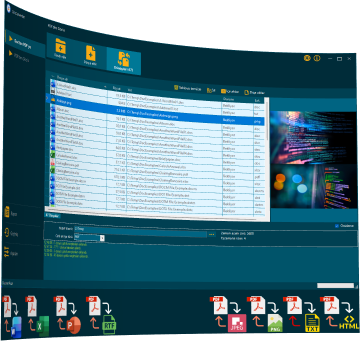
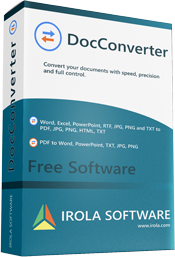
Convert Word, Excel, PowerPoint, RTF, TXT to PDF, JPG, PNG, HTML and more with one click.
Supports high-performance batch conversion.
Fast, offline, and secure.

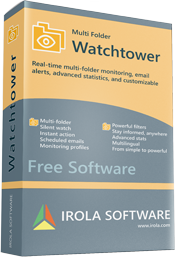
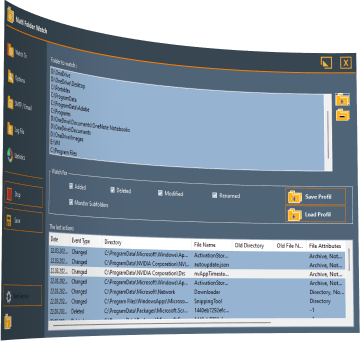
is designed to manage real-time monitoring of multiple folders simultaneously.
It can monitor the creation,
deletion, modifications, and
renaming of files in one or more folders.

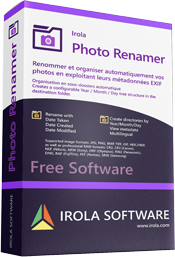
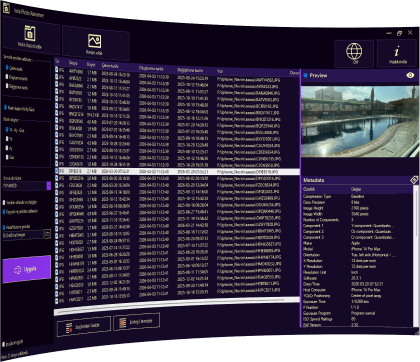
PhotoRenamer is a desktop application that renames and organizes
your photos based on their EXIF metadata (date taken, date created,
date modified). It can rename files in place or copy them into
date-based folder structures.

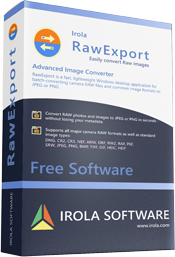
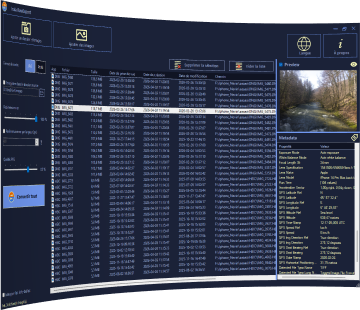
RawExport is a fast, lightweight Windows desktop application for batch-converting camera RAW files and common image formats to JPEG or PNG.
Built for photographers who need a straightforward tool without the overhead of a full editing suite.

Docconverter
The universal converter that streamlines your daily work
Convert your Word, Excel and PowerPoint documents to PDF, images, HTML or text in one click. Batch processing, intuitive interface and advanced settings.
Built-in preview
- Document preview before conversion
- Thumbnails for Word, Excel, PowerPoint and images
- Double-click to open the original file
Advanced Excel Options
Fine-grained control over Excel conversion: active sheet only, all sheets, one PDF page per sheet, auto-fit columns, landscape orientation, custom pagination…
Convert all your documents in a few clicks
Multi-format support: .doc, .docx, .xls, .xlsx, .ppt, .pptx, .rtf, .txt
Output formats: PDF, DOCX, XLSX, RTF, PPTX, JPG, PNG, HTML, TXT
Supported Input Formats
• Word: .doc, .docx, .docm, .dot, .dotx, .dotm, .rtf
• Excel: .xls, .xlsx
• PowerPoint: .ppt, .pptx
• Other: .pdf, .txt, .csv, .tsv, .jpg, .png
Multilingual interface
Performance and flexibility
Process hundreds of files in a single operation.
Parallel processing: Convert multiple files simultaneously for maximum time savings.
Visualize and control your conversion progress
Advanced settings
Choose destination folder
Page adjustment (Fit to page, orientation)
Excel sheet management (full workbook or individual sheets)
Adjustable image quality for JPG/PNG

Multi Folder Watchtower
Clean UI
- Dedicated tabs: Watch, Options, SMTP, Logs, Statistics, About. Easy navigation.
Multi‑folder
- Add as many folders as you like, with or without subfolders.
Windows service
- Install Folder Watchtower as a Windows service for 24/7 background monitoring – no user session required.
Email alerts
- Full SMTP support, authentication, custom templates, per‑action or scheduled emails.
Monitoring profiles
- Save and reload complete configurations (folders, filters, email settings). Perfect for switching between projects or clients.
Multilingual
- French, English, German – the UI automatically matches your system language.
Advanced stats
- Activity charts, event type breakdown, top 10 most modified files.
Powerful filters
- Include or exclude extensions (.log;.tmp) and file attributes (read‑only, hidden, system, compressed, etc.).